
Guest Registration And Check-In Process Made Easy
Who likes standing in a check-in line anyway?
Standing under bright lights while the line crawls by? No, thanks.
Picture this instead: you tap through a quick online pre-registration on your phone and walk in to a warm, personal hello.
You’ll confirm your details before you arrive, and we’ll already have your room and service notes ready. Easy, right?
That small swap turns check-in from a chore into a friendly moment.
You get to breathe out. We get time to focus on the little things that make a stay special, the soft murmur of the lobby, a genuine smile, a welcome drink.
We use a five-step flow: pre-arrival (before you get here), arrival (when you walk in), occupancy (your stay), departure (when you leave), and post-departure (after you go).
Each step cuts queues, trims errors, and gives our team room to deliver thoughtful, human service.
Pure bliss.
Streamlined Guest Registration and Check-In Process: A Step-by-Step Workflow

Here’s the gist: a clear five-step flow makes guest registration smooth and quick. Guests feel less fussed and your team has breathing room to do the thoughtful stuff.
-
Pre-arrival
After booking, guests get an online pre-registration link so they can confirm name, ID, contact, and preferences right from their phone. The booking engine (the online system that takes reservations) feeds reservation data into the PMS (property management system) so room status, housekeeping notes, and guest requests are ready before anyone arrives. It’s simple and it cuts surprises. -
Arrival
Whether guests use digital check-in or stop by the front desk, the first moments set the tone. Greet them by name, confirm ID and payment (many already did this), assign the room, and hand over Wi-Fi details plus keys or mobile access. A warm welcome and a quick local tip go a long way. -
Occupancy
During the stay we keep profiles updated with little requests, extra pillows, spa bookings, or a sunset table by the pool. Short mid-stay messages let guests know we’re on it and give staff time to respond without lengthening check-in. Quiet, steady service means guests relax faster. -
Departure
Billing links to the PMS so folios are accurate and ready to settle on a guest’s device or at the desk. We ask for a quick digital feedback form while impressions are fresh. It only takes a minute and gives us real, usable notes. -
Post-departure
After checkout we pull together stay data, preferences, and feedback into a simple report so the team can improve service. Those insights make future pre-arrival messages more personal and useful.
You’ll notice digital check-in trims queues and reduces data errors, while a friendly front desk keeps the human touch for guests who want it. Online pre-registration does the heavy lifting and frees staff to create memorable arrivals. Real-time updates from the booking engine into the PMS keep housekeeping in sync so rooms are ready and waiting.
Short, clear steps like these make registration reliable, cut check-in time, and leave space for the thoughtful hospitality we all remember.
Essential Information Collected in the Guest Registration and Check-In Process
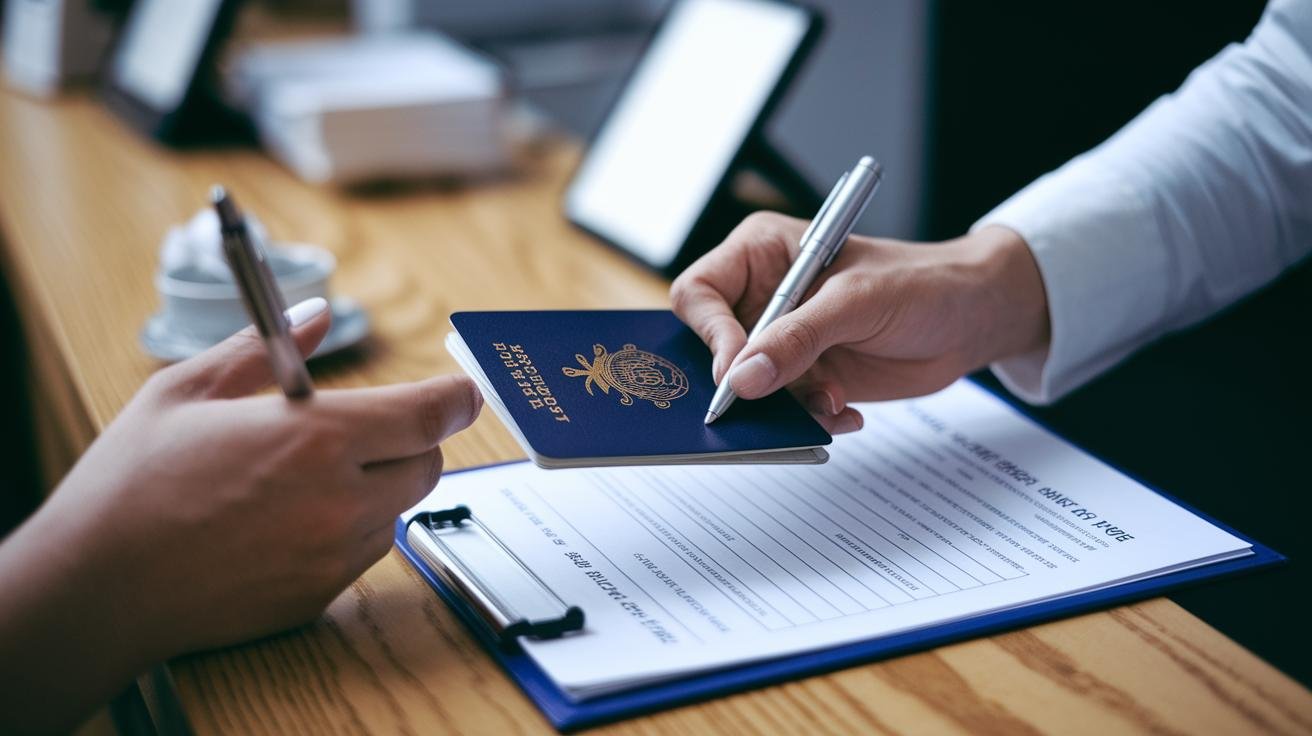
When you arrive, the registration form becomes our official record. It’s a simple, legally binding snapshot that helps us welcome you smoothly and keep everyone safe and accounted for.
We ask for your full name, contact details, and a government-issued ID (passport or driver’s license). We also note your reason for visiting, how long you’ll stay, and room preferences so the front desk can match the room setup to your expectations. ID checks happen at the desk or ahead of time, whichever works best for you.
The booking form fills in the rest: payment info, special requests (diet, accessibility, celebration notes), and any extra guest names to lock in the reservation. Front-line staff use this to prepare welcome touches and coordinate housekeeping, so the birthday cake is chilled, or the extra towels are waiting by the door.
Common data fields we may ask for:
- Postal code
- Expected arrival time
- Onward destination (where you’re headed next)
- Vehicle registration
- Guest signature
- GDPR consent where required (this is a European privacy rule that may apply)
For ID verification we can offer passport scanning or capture a quick photo for matching. It meets local rules and photo ID requirements and keeps the line moving. We use the ID to link payment authorizations to the right guest, so charges and refunds go to the correct person.
You’ll get a reservation confirmation by email or SMS. That’s your chance to correct typos or tweak arrival times before you get here. Think of it like double-checking your boarding pass, small step, big time-saver at check-in.
Your stay starts with a smooth check-in. Relax, we’ve got the details.
Digital vs Manual Approaches to the Guest Check-In Process
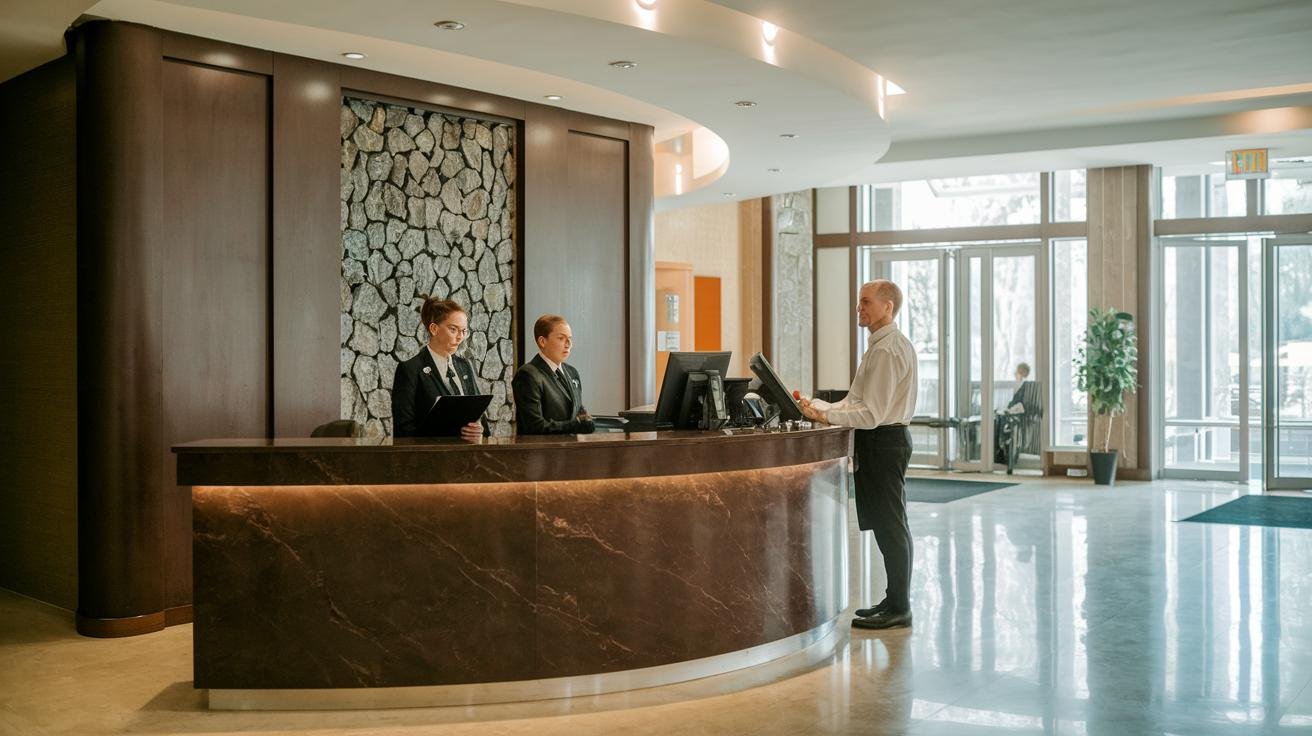
Some guests still love the old-school, face-to-face check-in. The soft murmur of the lobby, a friendly ID check, and a handwritten registration card feel personal. But those moments can stretch into long lines, manual key programming, and tiny data mistakes that slow everyone down.
Digital check-in turns that on its head. Guests fill out forms on their phones or at a kiosk before they reach the desk, which cuts waiting and paper. The info goes straight into the PMS (property management system), so staff stop typing the same details twice and errors drop.
Mobile check-in apps add extra ease. Guests can open their room with a QR code or NFC key, get arrival updates, and receive tailored recommendations without standing in line. Want early access or an express check-in? Tap and done.
Self-service kiosks shine in busy lobbies. A touch screen guides ID capture, payment, and a quick photo scan, all while freeing staff to greet arrivals. Paired with mobile or pre-check options, kiosks move people through faster and keep the front desk warm, not crowded.
Contactless and express check-in make arrivals feel effortless. They cut handling of cards and paper, and give guests a short path to keys or mobile access. Both approaches move repetitive admin off the team’s plate.
That leaves your staff to do what guests actually remember – thoughtful service and small surprises. Little touches, a warm welcome, a handwritten note. Pure bliss.
Which would you pick for your property?
Integrating Property Management Systems into the Guest Check-In Process
A quiet, well-tuned back office is the real secret to a calm arrival. When your systems talk to each other, guests feel welcomed instead of watched while staff hunt for reservation details. Pure calm.
PMS integration means your booking engine sends confirmed guest details straight into the property management system (PMS , the hotel’s central operations software). It uses an API (application programming interface, the way systems talk to each other) so data moves without retyping. Housekeeping, key issuance, and front-desk folios update in real time.
Cloud check-in platforms and RMS dashboards (RMS means revenue management system) put reservations, guest portals, messaging, and task lists on any device. Staff can see room status, special requests, and payment holds at a glance. Check-in times drop and mistakes fade.
Linking POS (point of sale), CRM (customer relationship management), and third-party apps lets you offer upgrades, dining credits, or loyalty prompts when they matter most. But watch your network and test regularly. Bad field mappings or sudden API changes can stop workflows and push teams into manual fixes.
Roll it out in stages. Test the data fields. Train front-desk and operations teams. Keep a simple manual fallback for outages. Good logs and clear error alerts keep problems small and easy to fix.
Managers get fast reports on occupancy trends and can match staffing to the day’s needs. Think of it like turning admin time into planning time.
The result? Less repetitive typing, more polished welcome moments, and staff who actually have time to care. Sounds nice, right?
Compliance and Data Security in the Guest Registration and Check-In Process
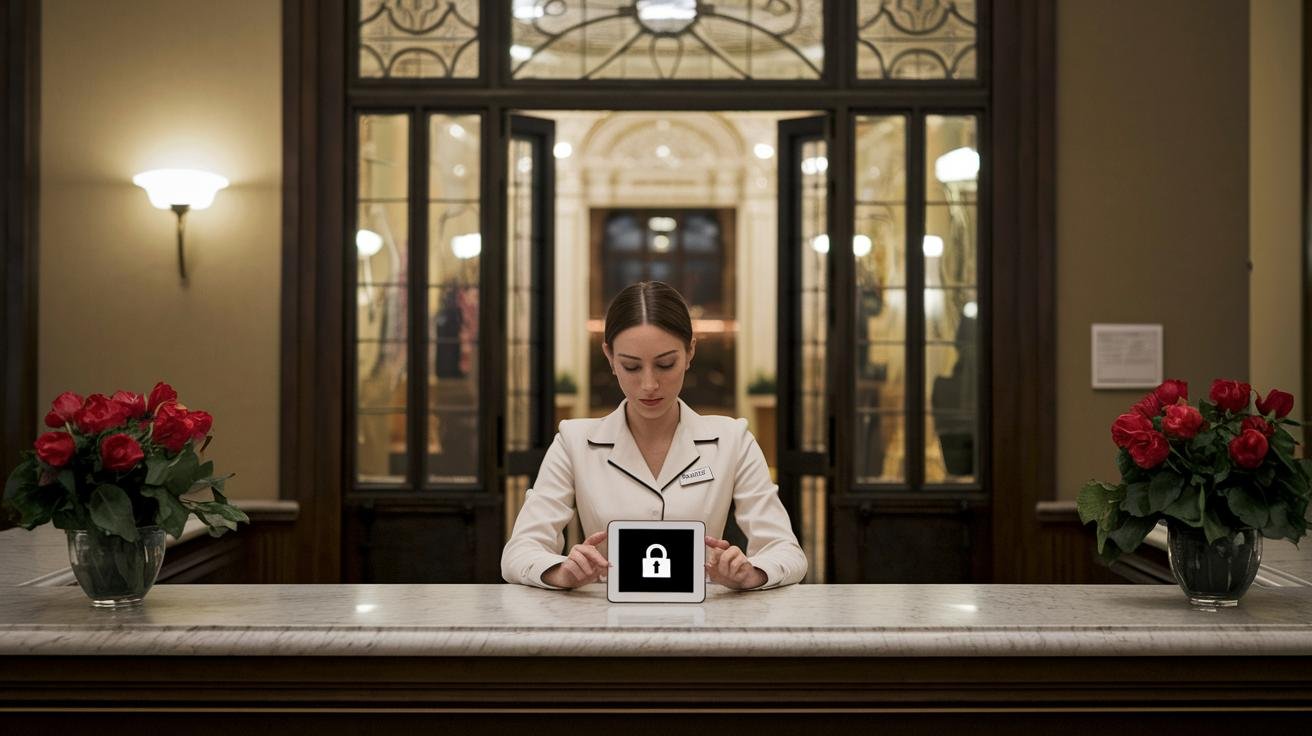
Many countries ask hotels to share guest details when a reservation is made and again at check-in. Think Italy, Spain, Germany, and others. These reports help local police and tourism offices keep records. Ever worried it means more paperwork at the desk? Automated compliance tools can push required fields straight to local police portals, cutting out manual uploads and handling regional rules like Spain’s dual-reporting step.
Keeping guest data safe is a top priority every time someone hands over a passport or types in personal info. Good practice is to encrypt data in motion with secure transmission like SSL/TLS (encryption protocols that protect data while it travels). That way forms and ID photos move safely from a phone or kiosk to the hotel system.
Once the data arrives, store it encrypted so it stays unreadable to outsiders. Encrypted databases make that possible. Pure peace.
GDPR compliance means guests give clear consent and know how long you’ll keep their data. GDPR (EU data protection law) also allows electronic signatures when needed. That signature becomes a time-stamped record attached to the guest profile.
Practical protections keep privacy real. Use two-factor authentication for staff accounts, and role-based access controls (limits on who can see sensitive fields by job role). Run routine security audits to spot gaps before they become problems. An audit trail records every edit to a guest profile , who changed what and when , which is handy for inspections or resolving disputes.
Training matters as much as tech. Teach staff how to handle IDs, how to spot suspicious requests, and what to do if something seems off. Simple drills help everyone respond calmly. Wait, actually, a quick refresher every few months works wonders.
Have a clear incident response plan. If a breach happens, a short, practiced plan turns a crisis into a contained event. Notify the right people, isolate the problem, and learn from it. Guests will notice how you handle it, and that care builds trust.
When hotels combine automated reporting with strong data security and trained staff, check-in stays fast and friendly without leaving safety to chance. Seamless for guests. Secure for everyone.
Best Practices to Enhance Guest Satisfaction During the Check-In Process
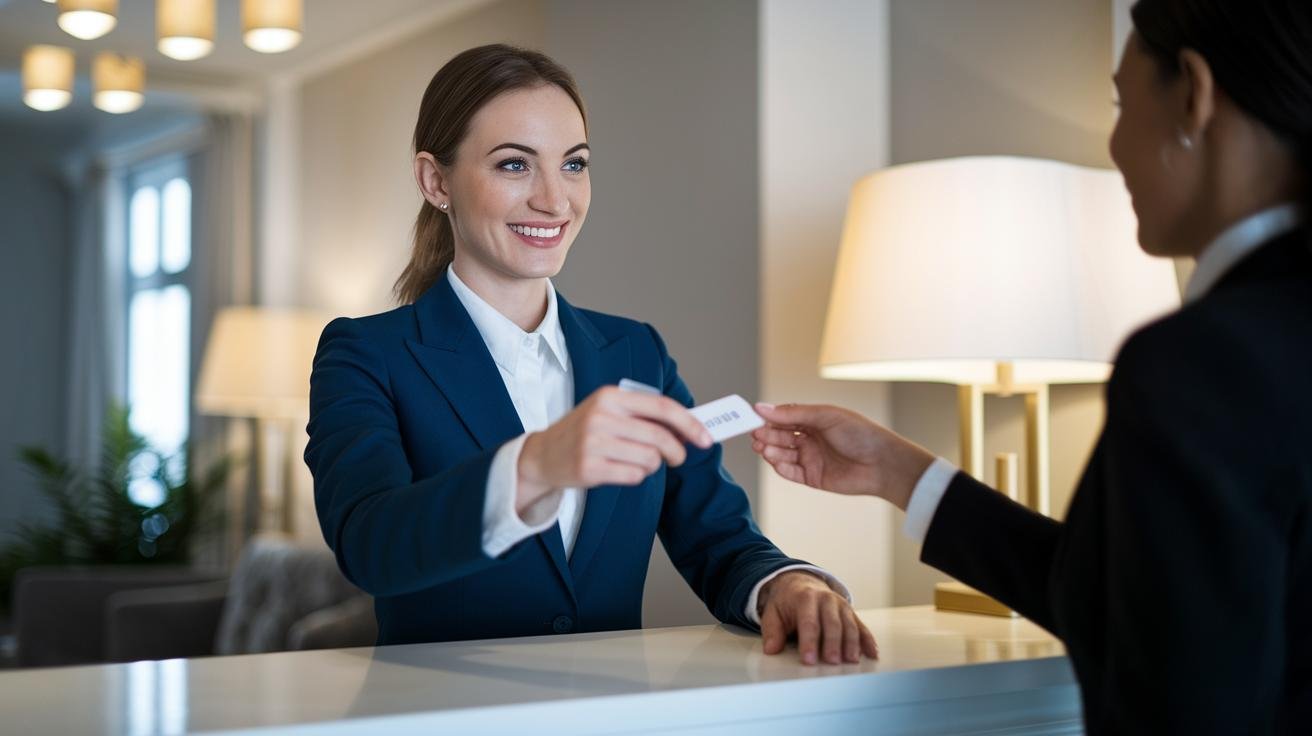
A quick note before we fold these actions into your existing guides: keep it simple, personal, and helpful. Think of this as a friendly checklist your team can use to make every arrival feel effortless. Little touches matter.
Pre-arrival
Remind guests they can shape their stay before they arrive. A short, cheerful message makes them feel seen and reduces on-the-spot requests.
- Note that early check-in and late check-out can be offered based on availability and include a preference link so guests can choose pillow type, arrival time, dietary needs, etc.
Example message snippet – "Need extra time? We can offer early check-in at 11:00 AM or late check-out at 2:00 PM. Tap this preference link to tell us what you’d like."
Ever dreamed of a pillow that feels like home? Let guests pick it ahead of time.
Arrival
Keep arrivals warm and efficient. Greet by name, give one clear next step, and point out the essentials.
- Add a short checklist to Arrival: greet by name, state estimated wait time, point out Wi-Fi and dining hours.
Example greeting snippet – "Welcome back, Maria. I’ll be with you in about three minutes. Wi-Fi is on the card in your room, dining hours are 7 AM–10 PM."
Small gestures mean big calm. A brief wait-time estimate is a tiny promise that goes a long way.
Quick Actions
Place these under Arrival or Occupancy so staff have an easy reference.
- Greet guest by name and state wait time
- Point out Wi-Fi and dining hours on arrival
- Remind of early check-in / late check-out options via the pre-arrival preference link
- Note welcome amenity that matches stated preferences
- Trigger mid-stay and post-stay automated messages for feedback
Short, specific actions help teams stay consistent. Think of this list as your go-to script.
Occupancy
During the stay, be gently helpful. Mid-stay nudges feel caring when they’re timed right and tied to guest preferences.
- Add mid-stay automated alerts for service suggestions (spa slots, dining reminders, housekeeping timing) and include the welcome-amenity personalization tip: confirm or swap amenity based on preferences captured at booking.
Example mid-stay snippet – "Hi Sam, enjoying the villa? We can book a spa at 4 PM or swap your welcome tea for a cold-press juice if you prefer."
A quick, friendly prompt can turn a good stay into a great one. Offer options, not pressure.
Integrating PMS
Make the property management system work for both guests and staff. Train teams so offers feel helpful, not pushy.
- Add one sentence about staff training: train teams on subtle, guest-first upselling tied to loyalty/CRM triggers so offers feel helpful and timely, not pushy.
Example upsell snippet – "As a Gold member, would you like a dinner credit at 20% off tonight?"
By linking CRM cues to kind, timely offers, you elevate service and loyalty without interrupting the guest’s calm.
Final Words
We moved straight into the action: from online pre-registration and booking engine feeds to a warm arrival where names are met with a smile and IDs are checked.
Imagine stepping past the courtyard as a staff member hands you Wi‑Fi details and a chilled towel.
We covered digital vs manual check-in, PMS integration, compliance needs, and simple ways to keep errors low and upsells natural.
Staff freed from data entry can focus on welcome touches and helpful local tips.
A smooth guest registration and check-in process ties every step together, cutting queues and starting your villa time sooner.
Pure bliss.
FAQ
Frequently Asked Questions
What is the process of checking in a guest?
The process of checking in a guest follows five stages: pre-arrival confirmation, warm arrival with ID and payment checks, instant room assignment and orientation, stay updates, then departure billing and post-stay follow-up.
What are the 5 steps of guest experience?
The five steps of guest experience are pre-arrival (confirm and prep), arrival (welcome and registration), occupancy (services and updates), departure (billing and feedback), and post-departure analysis.
Is check-in and registration the same thing?
Check-in and registration are related but different: registration captures legal guest details and consent, while check-in covers operational tasks like key issuance, payment verification, and a warm greeting.
What information is collected during guest registration?
Guest registration collects full name, contact details, government ID (passport or driver’s license), stay dates and purpose, payment details, guest signature, vehicle info, special requests, and any required privacy consent.
How long does check-in usually take?
Check-in usually takes two to ten minutes with online pre-registration; manual desk check-ins can take longer depending on ID checks, payment processing, and queue length.
How does online pre-registration help?
Online pre-registration lets guests confirm details and sign forms on their devices before arrival, cutting wait times, reducing errors, and allowing faster room assignment and key delivery at arrival.
What’s the difference between digital and manual check-in?
Digital check-in shifts forms and key issuance to apps or kiosks, speeding service and cutting paper work; manual check-in relies on front-desk staff, physical ID checks, and programmed keys.
How does PMS integration fit into check-in?
PMS integration pushes reservation data into a central system, updates room status in real time, triggers housekeeping, syncs billing, and supports upsells and loyalty enrollment via connected tools.
How is guest data secured and kept compliant?
Guest data is protected with encrypted transmission and storage (SSL/TLS), role-based staff access, audit trails, electronic signature capture, and compliance with local reporting and privacy laws.
What are simple ways to improve guest satisfaction during check-in?
A warm name greeting, clear pre-arrival messages, quick digital options, small welcome amenities, trained staff for helpful upsells, and fast error-free processing lift guest satisfaction.